Assessment≈ 4 min
AI Readiness Assessment
12 questions across strategy, data, processes and people; a 0–100 score with your first three steps.
Free tool
Choose a task type, fill in the role, context and output format, and get a structured prompt you can paste into ChatGPT, Claude, Gemini or Copilot.
How to use it
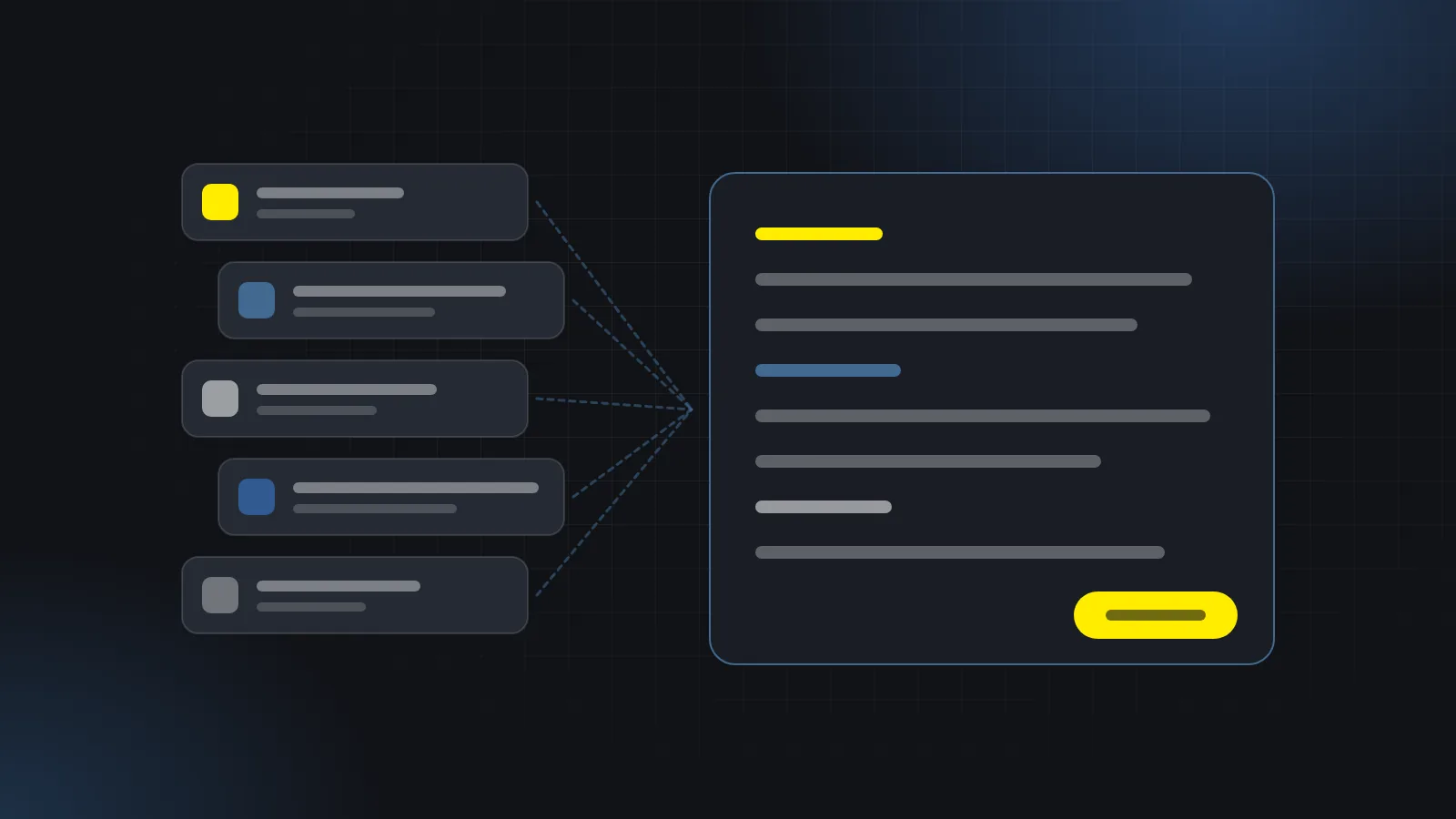
The template fills in the role and task for you; you add the context and audience. The prompt on the right updates as you type. After copying it, paste your own text into the “Material” section at the bottom.
Your prompt
0/5Works with ChatGPT, Claude, Gemini or Copilot. Before pasting your own material under the prompt, remove personal data and anything confidential. Nothing you type here is stored or sent.
AI tools are limited to the information they are given. The difference between a weak and a strong answer to the same question is usually in the instruction, not the model. That’s why this tool has five parts:
Before adding your own text under the prompt, remove or anonymise personal and confidential information such as customer names, contact details, contract terms and financial data. If it isn’t clear in your company which data may be used with which tool, How to Write an AI Usage Policy for Your Team is a good place to start.
They work with any chat-based tool such as ChatGPT, Claude, Gemini and Microsoft Copilot. The structure is tool-independent; just copy and paste.
No. The prompt is created in your browser; nothing you type is sent to a server or stored.
Yes. For a task you do often, fill in the role, context and rules once and share the copied prompt as a team template. A team template library with hands-on training is one of the things I prepare as part of Corporate AI Training.
It shows how many of five basic parts are filled in: a role, a task of at least one sentence, context, an audience and at least one rule. It doesn’t guarantee the quality of the answer; it reminds you what’s missing.
12 questions across strategy, data, processes and people; a 0–100 score with your first three steps.
Pick your departments and goal; get use cases ranked by fit, effort and the data they need.
Five questions on whether a task is worth automating, plus the time it could save, in your own numbers.
20 minutes · free · online
If you'd like shared prompt templates and usage rules for the tasks your team does most, let's talk in a free 20-minute call.
or send an email: fahriaksoy.tr@gmail.com